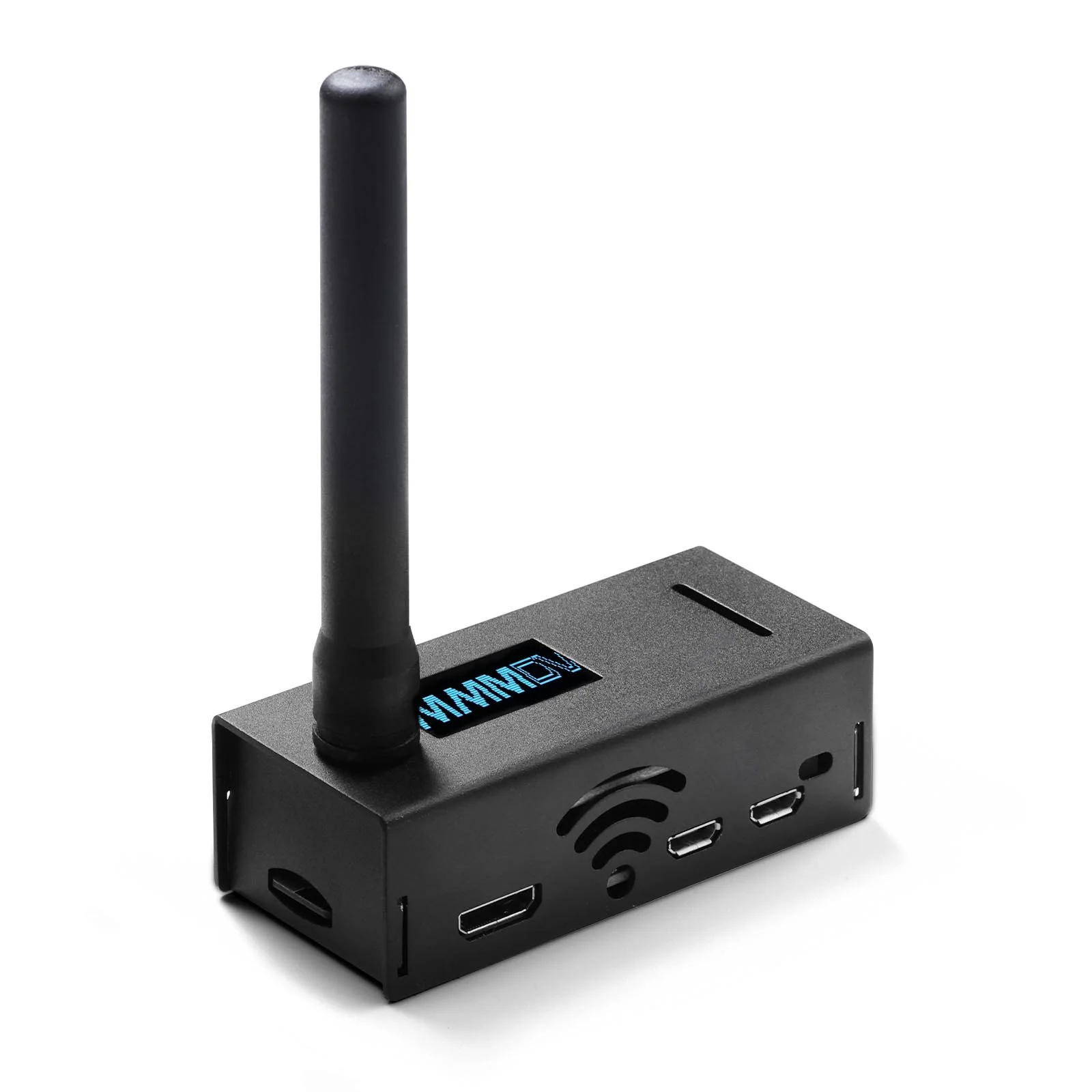
Radioddity RHS-H1 MMDVM Hotspot | OLED Screen | Raspberry Pi-Zero W | Support P25/DMR/D-STAR/YSF/NXDN | UHF VHF WiFi Digital Voice Modem | 16G TF Card
Radioddity RHS-H1 MMDVM Hotspot | OLED Screen | Raspberry Pi-Zero W | Support P25/DMR/D-STAR/YSF/NXDN | UHF VHF WiFi Digital Voice Modem | 16G TF Card
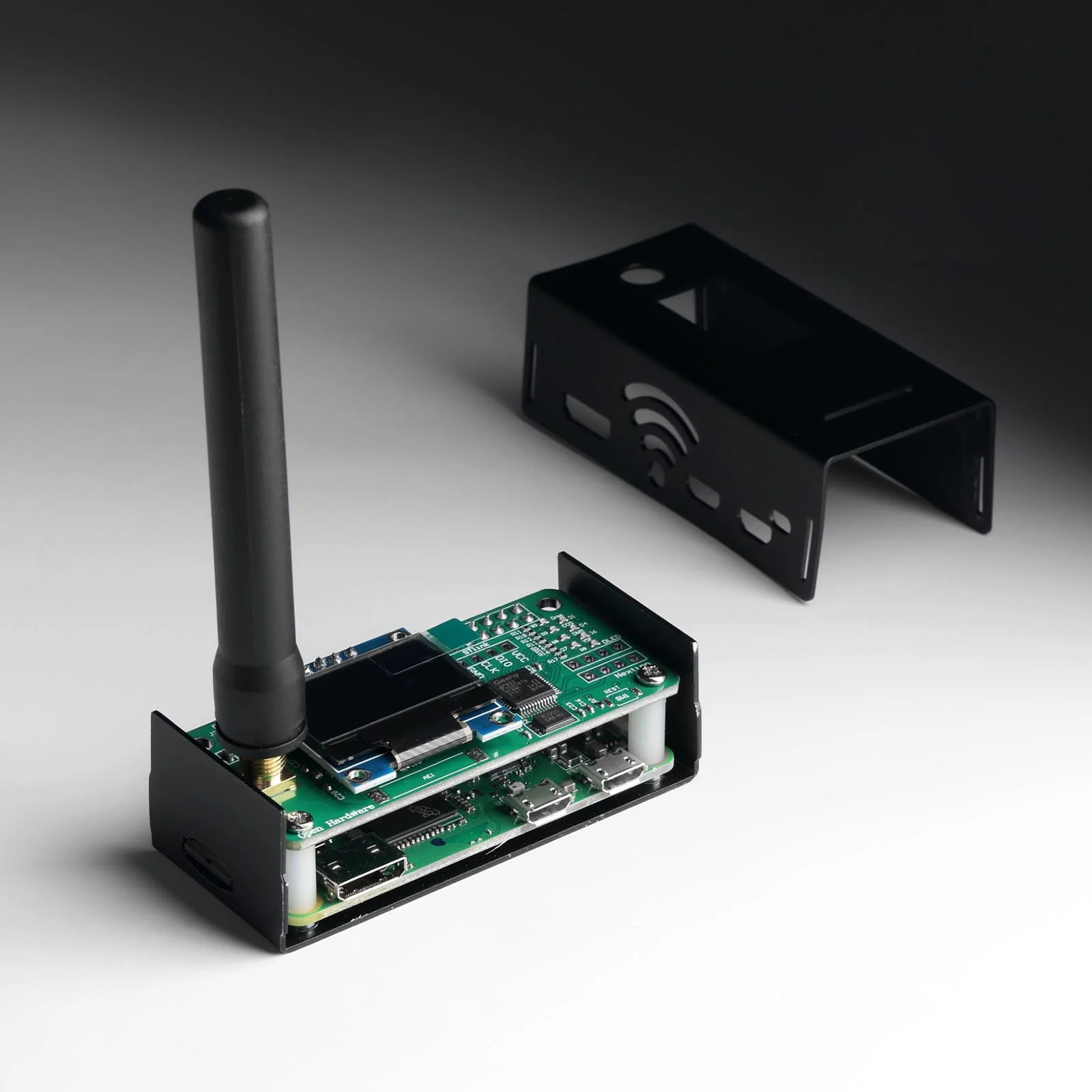
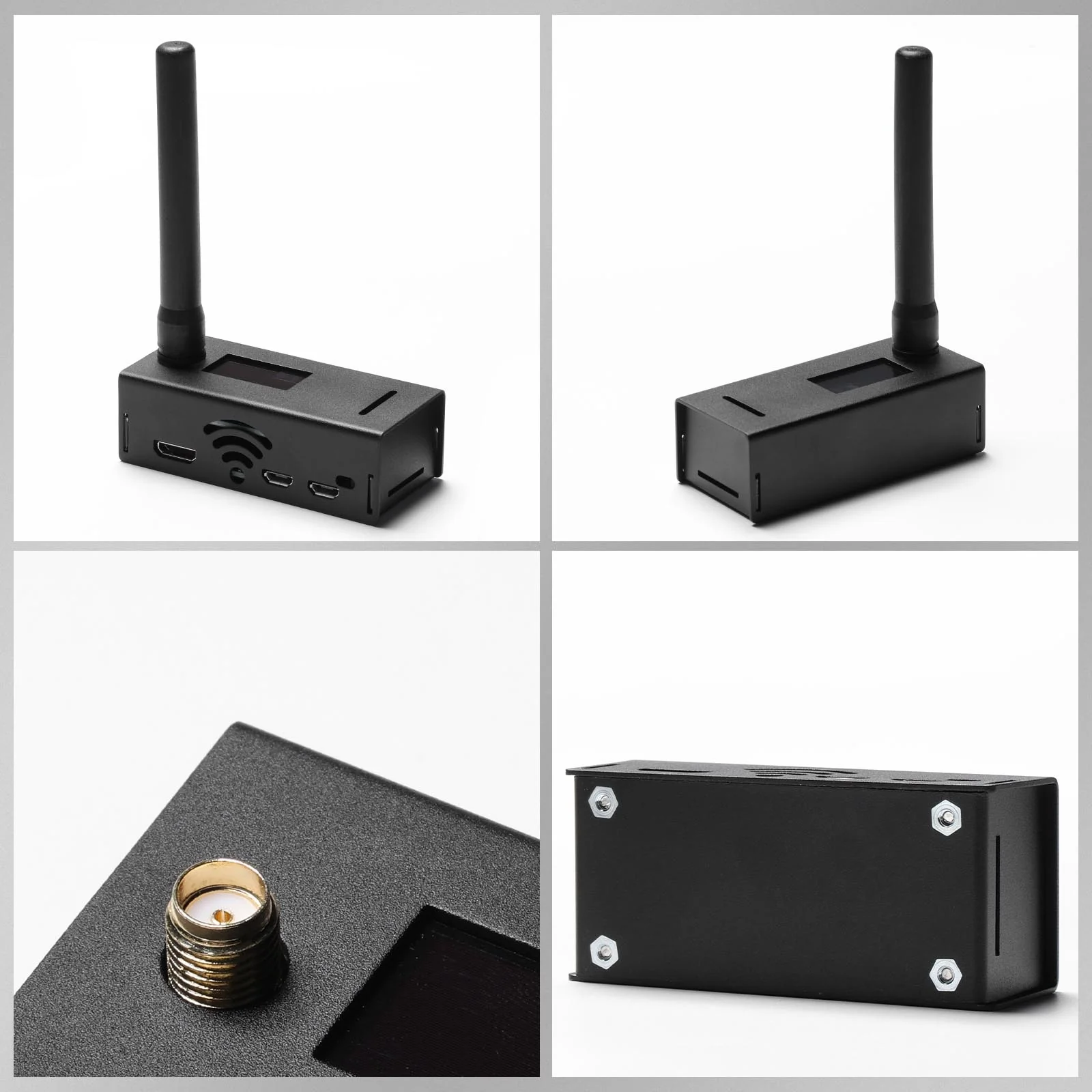
Simplify your setup with Radioddity's RHS-H1 MMDVM Hotspot. Equipped with preloaded Pi-Star software on the TF card, it delivers a true plug-and-play experience—just power it up and connect, with no additional downloads or configuration needed. This hotspot supports multiple digital modes, including DMR, D-STAR, YSF, NXDN, and P25, allowing for seamless protocol switching and flexible communication with digital radios. Ideal for expanding your reach, the RHS-H1 allows you to connect to these networks via the internet, bypassing the need for a physical repeater and enhancing flexibility in communication.

Features:
802.11 b/g/n wireless LAN
Quad-Core A53 1GHz
512MB RAM
Micro USB power
Installed JumboSPOT UHF(430-440) + VHF(144-146)
(VHF is not the main band, performance reduction) RF extend board
16G TF card installed PI-STAR panel
Support DMR, YSF, P25, D-STAR, NXDN mode to QSO with RF to Internet
OLED display
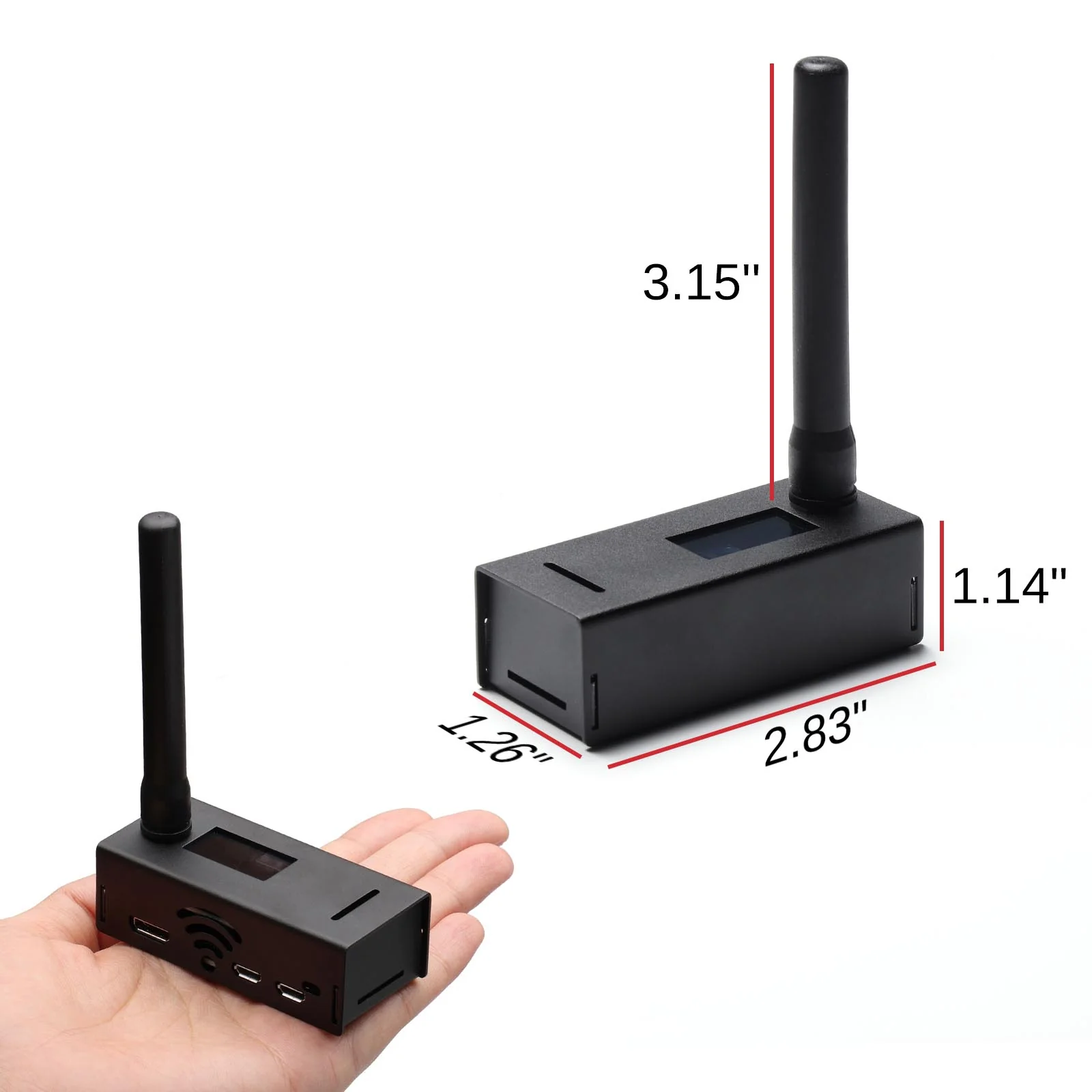
Compact size 2.83 x 1.26 x 1.14 in
Instructions:
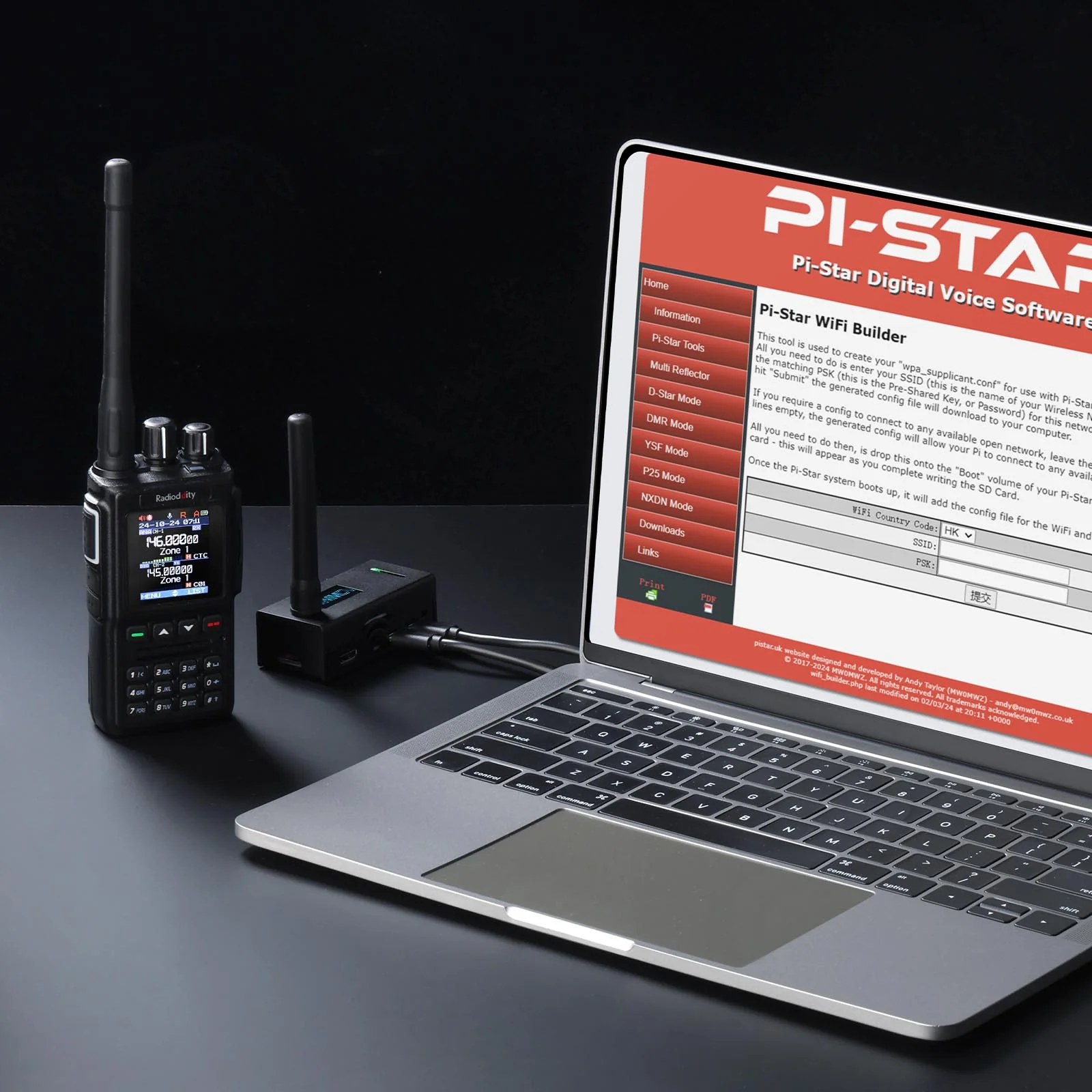
Visit http://www.pistar.uk/wifi_builder.php and enter your home Wi-Fi SSID and password (PSK).
Download the wpa_supplicant.conf file, which includes your network details.
Save this file to the root directory of your TF card (e.g., F:).
Insert the TF card and power on the device. After 2–3 minutes, it will automatically connect to your home Wi-Fi.
To verify the connection, check your router for the Pi-Star device and note its IP address.
To verify the connection, you can try pinging pi-star from your computer. If successful, open http://pi-star or enter the Pi-Star’s IP address in your browser. Log in with the default credentials (username: pi-star, password: raspberry). Once logged in, you can configure your settings, including CALLSIGN, ID, Frequency, and Modem.
What’s in the box?
1x Raspberry Pi Zero W
1x MMDVM Hotspot Board
1x OLED Display
1x 16G TF Card
1x Case
1x Antenna
Original: $119.00
-65%$119.00
$41.65More Images
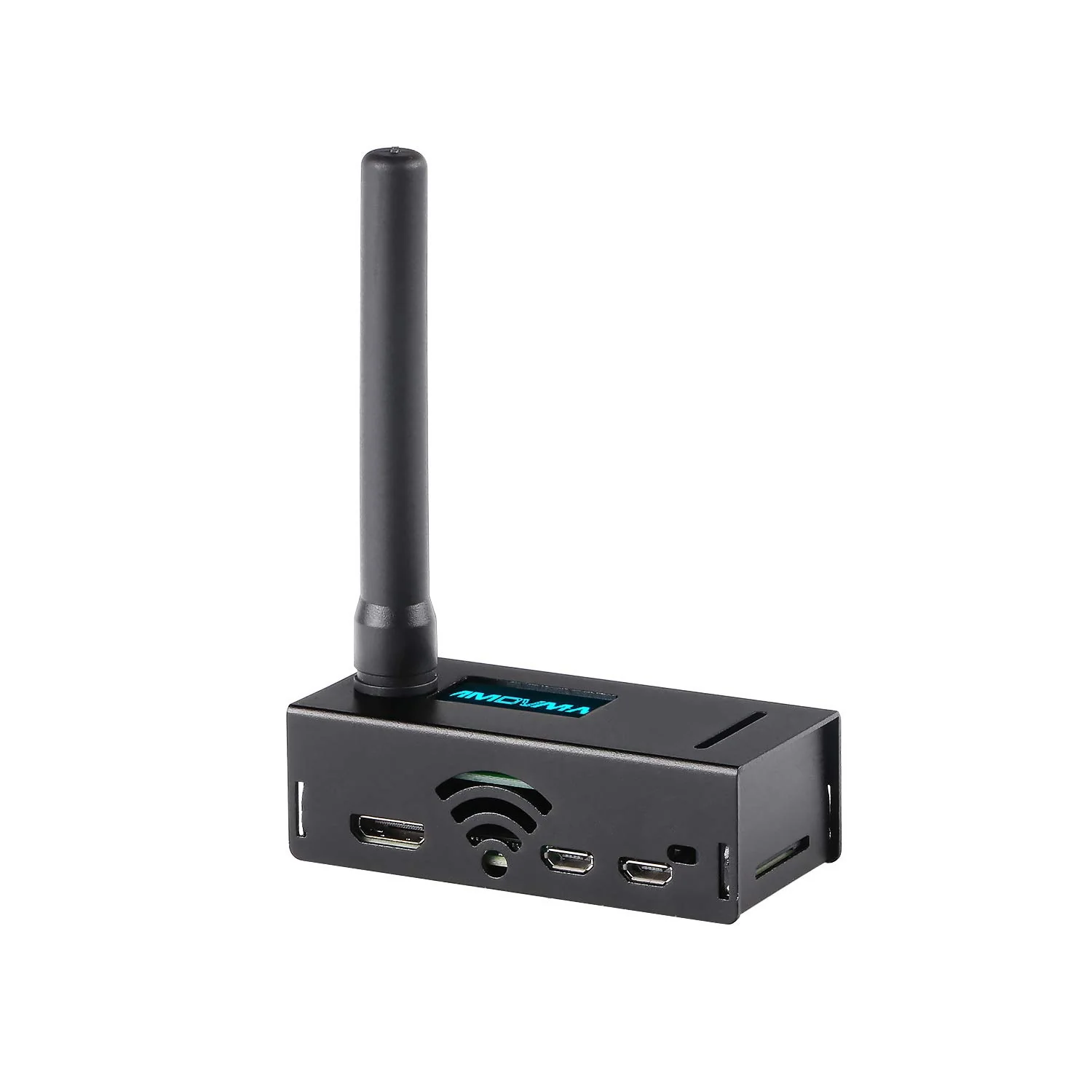
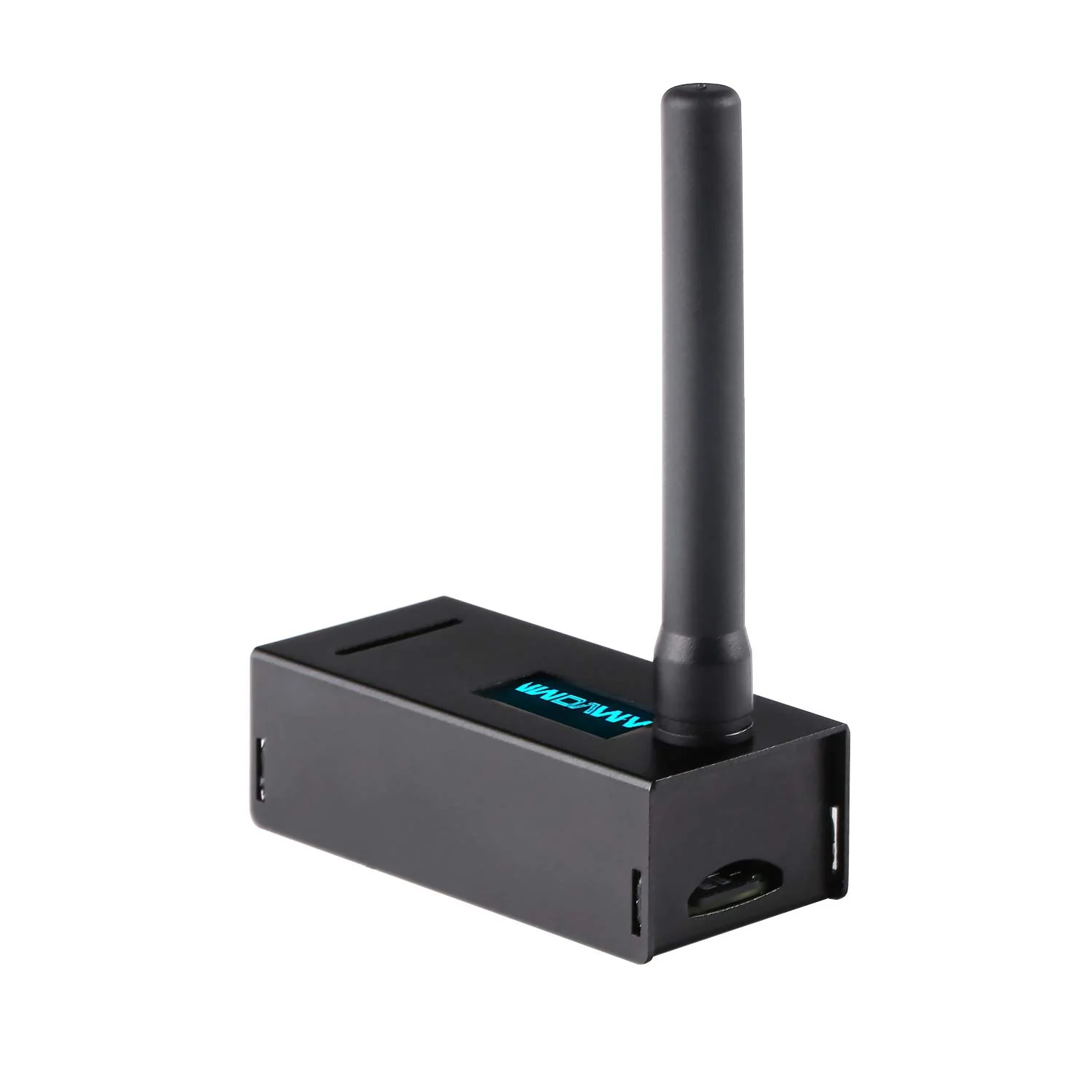
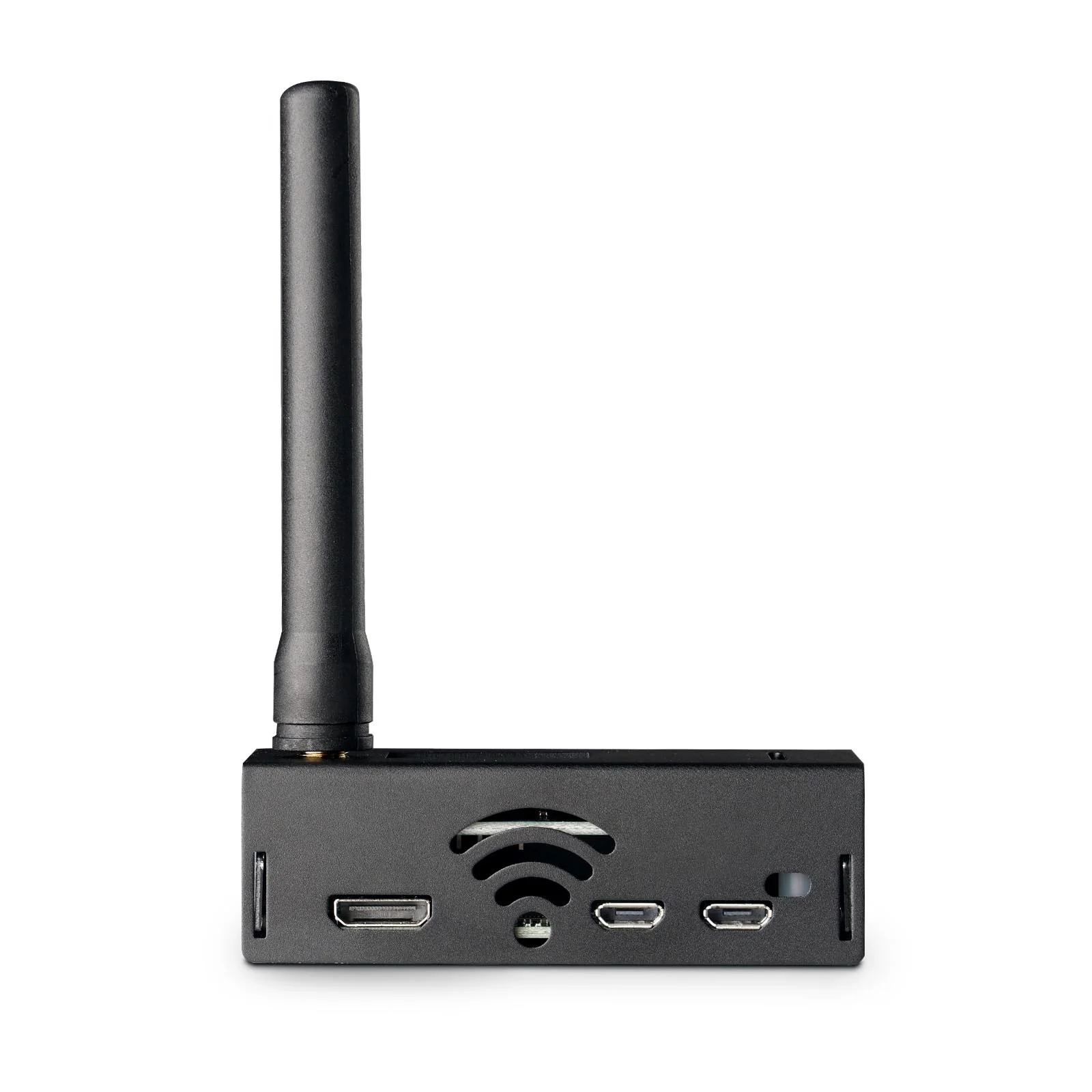
Radioddity RHS-H1 MMDVM Hotspot | OLED Screen | Raspberry Pi-Zero W | Support P25/DMR/D-STAR/YSF/NXDN | UHF VHF WiFi Digital Voice Modem | 16G TF Card
Simplify your setup with Radioddity's RHS-H1 MMDVM Hotspot. Equipped with preloaded Pi-Star software on the TF card, it delivers a true plug-and-play experience—just power it up and connect, with no additional downloads or configuration needed. This hotspot supports multiple digital modes, including DMR, D-STAR, YSF, NXDN, and P25, allowing for seamless protocol switching and flexible communication with digital radios. Ideal for expanding your reach, the RHS-H1 allows you to connect to these networks via the internet, bypassing the need for a physical repeater and enhancing flexibility in communication.
Features:
802.11 b/g/n wireless LAN
Quad-Core A53 1GHz
512MB RAM
Micro USB power
Installed JumboSPOT UHF(430-440) + VHF(144-146)
(VHF is not the main band, performance reduction) RF extend board
16G TF card installed PI-STAR panel
Support DMR, YSF, P25, D-STAR, NXDN mode to QSO with RF to Internet
OLED display
Compact size 2.83 x 1.26 x 1.14 in
Instructions:
Visit http://www.pistar.uk/wifi_builder.php and enter your home Wi-Fi SSID and password (PSK).
Download the wpa_supplicant.conf file, which includes your network details.
Save this file to the root directory of your TF card (e.g., F:).
Insert the TF card and power on the device. After 2–3 minutes, it will automatically connect to your home Wi-Fi.
To verify the connection, check your router for the Pi-Star device and note its IP address.
To verify the connection, you can try pinging pi-star from your computer. If successful, open http://pi-star or enter the Pi-Star’s IP address in your browser. Log in with the default credentials (username: pi-star, password: raspberry). Once logged in, you can configure your settings, including CALLSIGN, ID, Frequency, and Modem.
What’s in the box?
1x Raspberry Pi Zero W
1x MMDVM Hotspot Board
1x OLED Display
1x 16G TF Card
1x Case
1x Antenna
Product Information
Product Information
Shipping & Returns
Shipping & Returns
Description
Simplify your setup with Radioddity's RHS-H1 MMDVM Hotspot. Equipped with preloaded Pi-Star software on the TF card, it delivers a true plug-and-play experience—just power it up and connect, with no additional downloads or configuration needed. This hotspot supports multiple digital modes, including DMR, D-STAR, YSF, NXDN, and P25, allowing for seamless protocol switching and flexible communication with digital radios. Ideal for expanding your reach, the RHS-H1 allows you to connect to these networks via the internet, bypassing the need for a physical repeater and enhancing flexibility in communication.
Features:
802.11 b/g/n wireless LAN
Quad-Core A53 1GHz
512MB RAM
Micro USB power
Installed JumboSPOT UHF(430-440) + VHF(144-146)
(VHF is not the main band, performance reduction) RF extend board
16G TF card installed PI-STAR panel
Support DMR, YSF, P25, D-STAR, NXDN mode to QSO with RF to Internet
OLED display
Compact size 2.83 x 1.26 x 1.14 in
Instructions:
Visit http://www.pistar.uk/wifi_builder.php and enter your home Wi-Fi SSID and password (PSK).
Download the wpa_supplicant.conf file, which includes your network details.
Save this file to the root directory of your TF card (e.g., F:).
Insert the TF card and power on the device. After 2–3 minutes, it will automatically connect to your home Wi-Fi.
To verify the connection, check your router for the Pi-Star device and note its IP address.
To verify the connection, you can try pinging pi-star from your computer. If successful, open http://pi-star or enter the Pi-Star’s IP address in your browser. Log in with the default credentials (username: pi-star, password: raspberry). Once logged in, you can configure your settings, including CALLSIGN, ID, Frequency, and Modem.
What’s in the box?
1x Raspberry Pi Zero W
1x MMDVM Hotspot Board
1x OLED Display
1x 16G TF Card
1x Case
1x Antenna