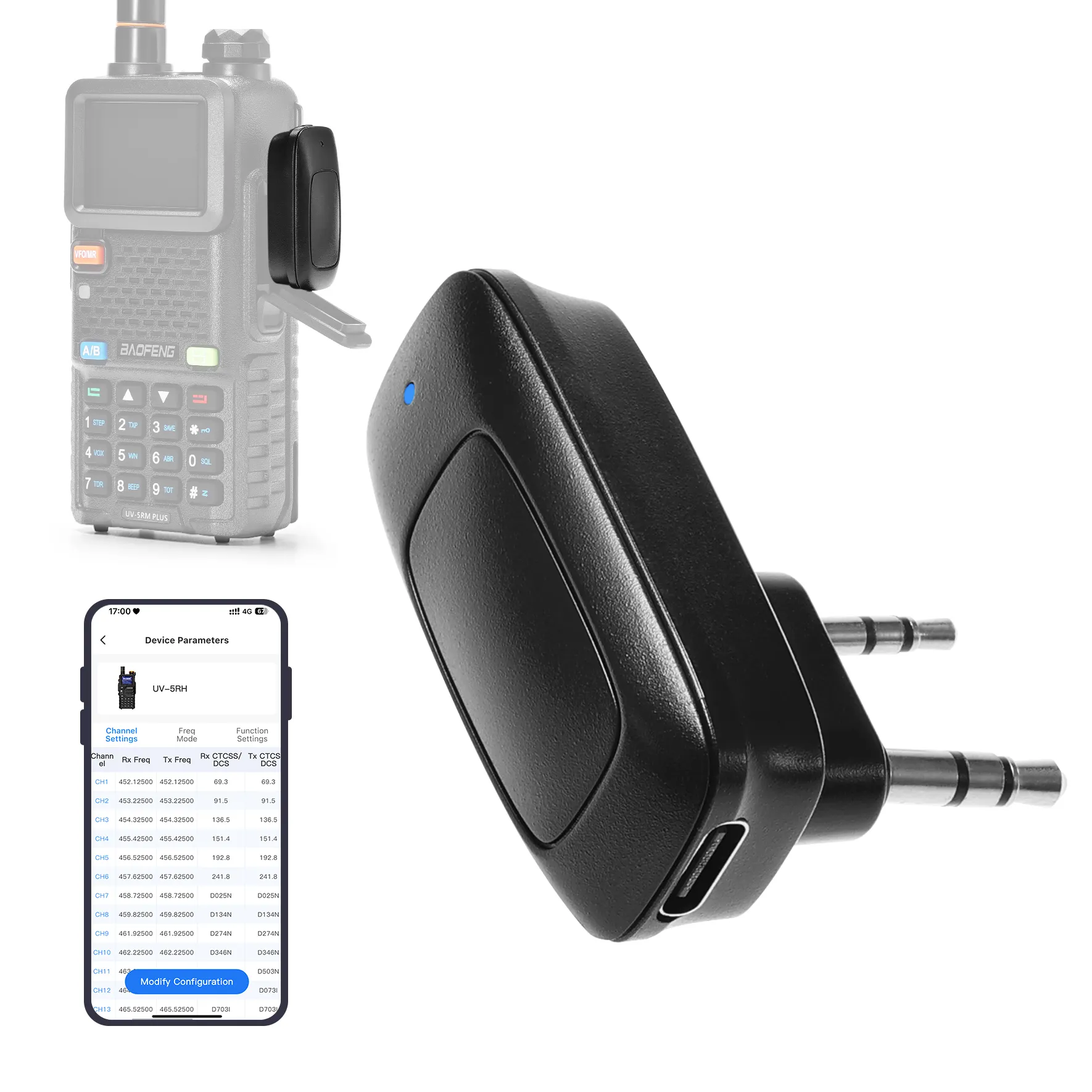
Baofeng BT-A1D Wireless Programming Adapter | BT APP Radio Programmer | UV-5R/UV-5RM PLUS/BF-888S/K5 Plus | Fast Channel Setup
Baofeng BT-A1D Wireless Programming Adapter | BT APP Radio Programmer | UV-5R/UV-5RM PLUS/BF-888S/K5 Plus | Fast Channel Setup
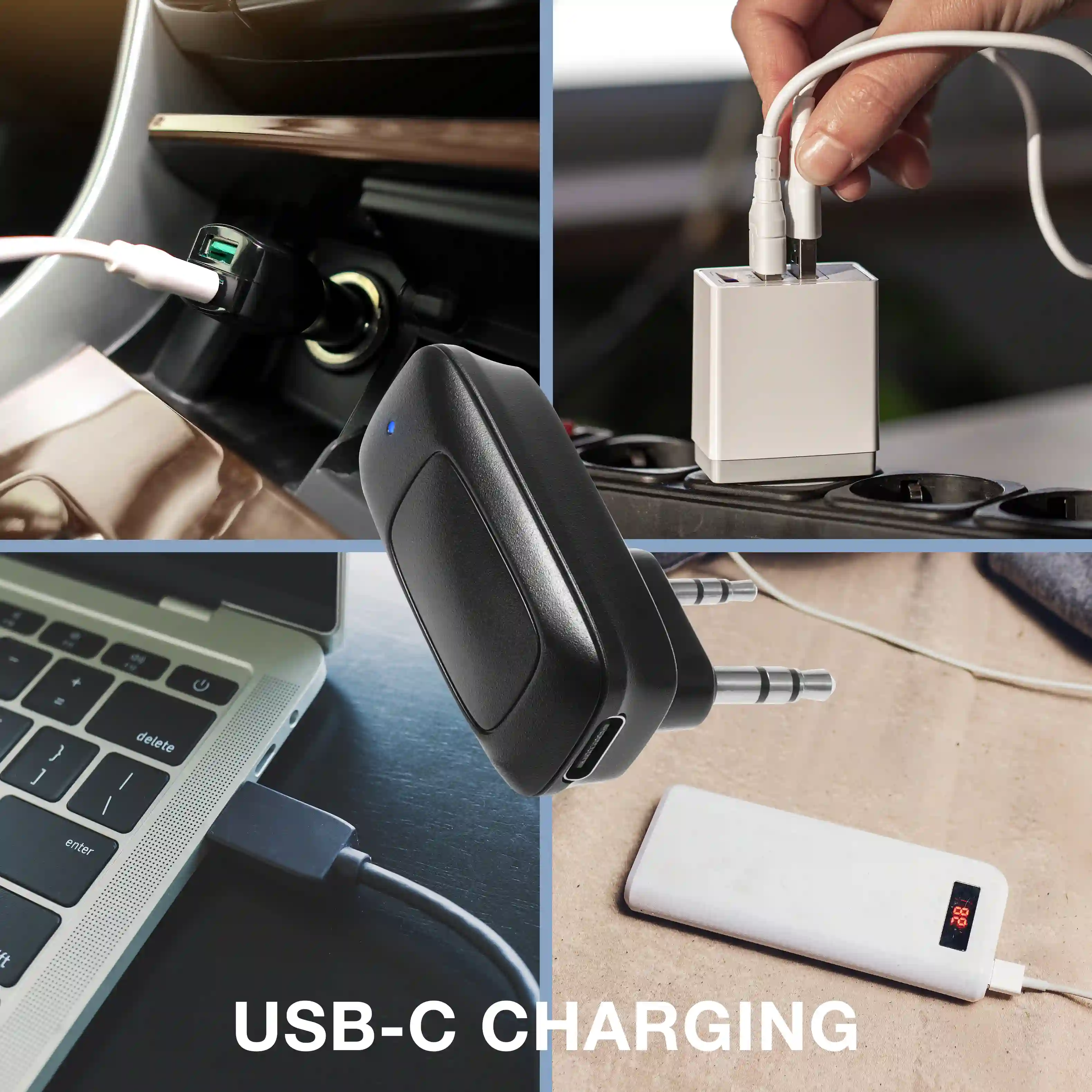
Upgrade your Baofeng radios with the BT-A1D Bluetooth programming adapter—quickly configure channels, edit settings, and manage frequency lists wirelessly via the Ola Radio app on iOS or Android. Compact and portable, it connects directly to your radio with up to 10 meters of Bluetooth range and USB-C charging for true cable-free convenience.
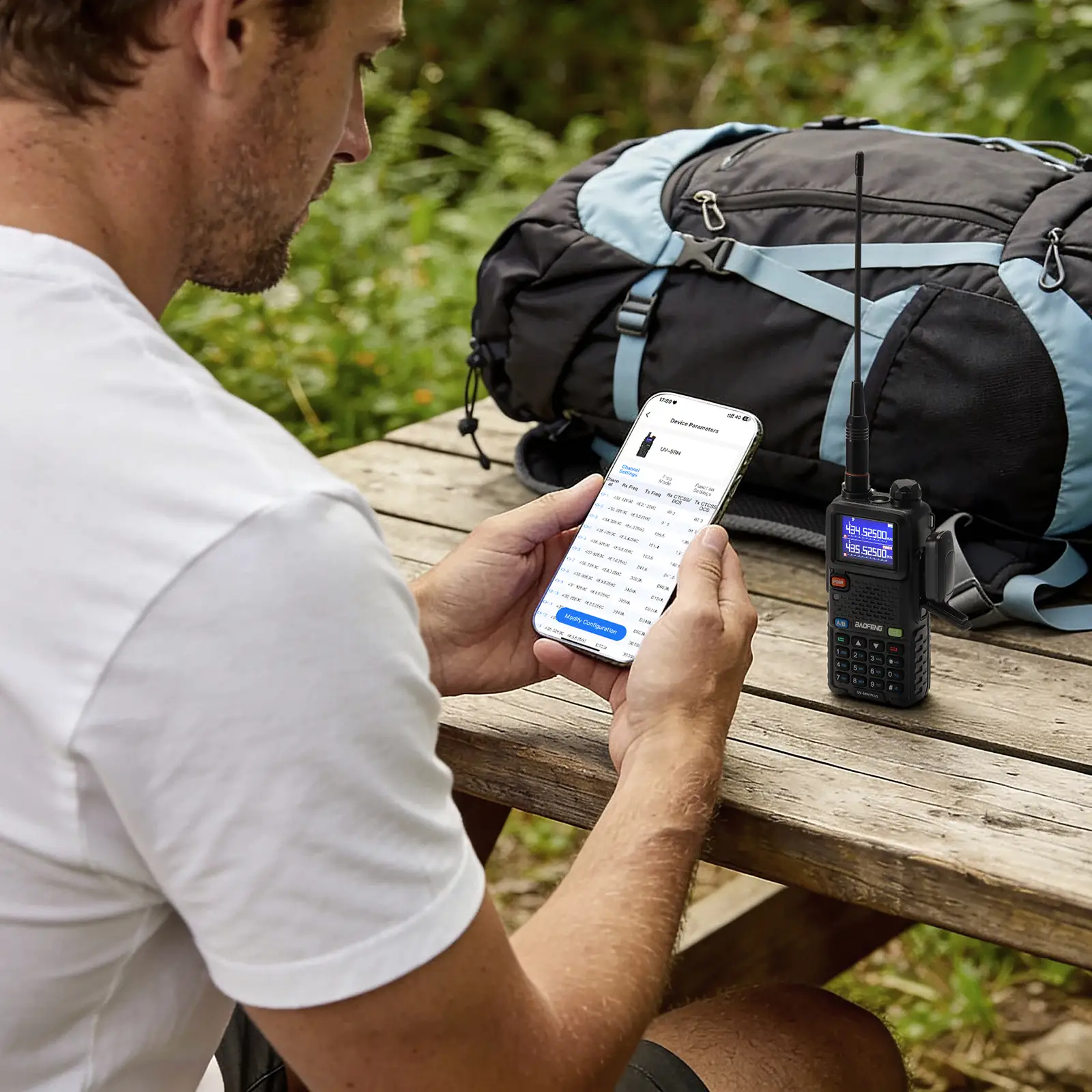
Whether programming multiple radios, organizing channels for a hiking trip, or coordinating team activities, the BT-A1D makes radio setup effortless for both beginners and experienced operators. Adjust settings on the fly and keep your radios ready for outdoor adventures, ham radio clubs, emergency kits, and group events—without ever plugging in a cable.


Specifications:
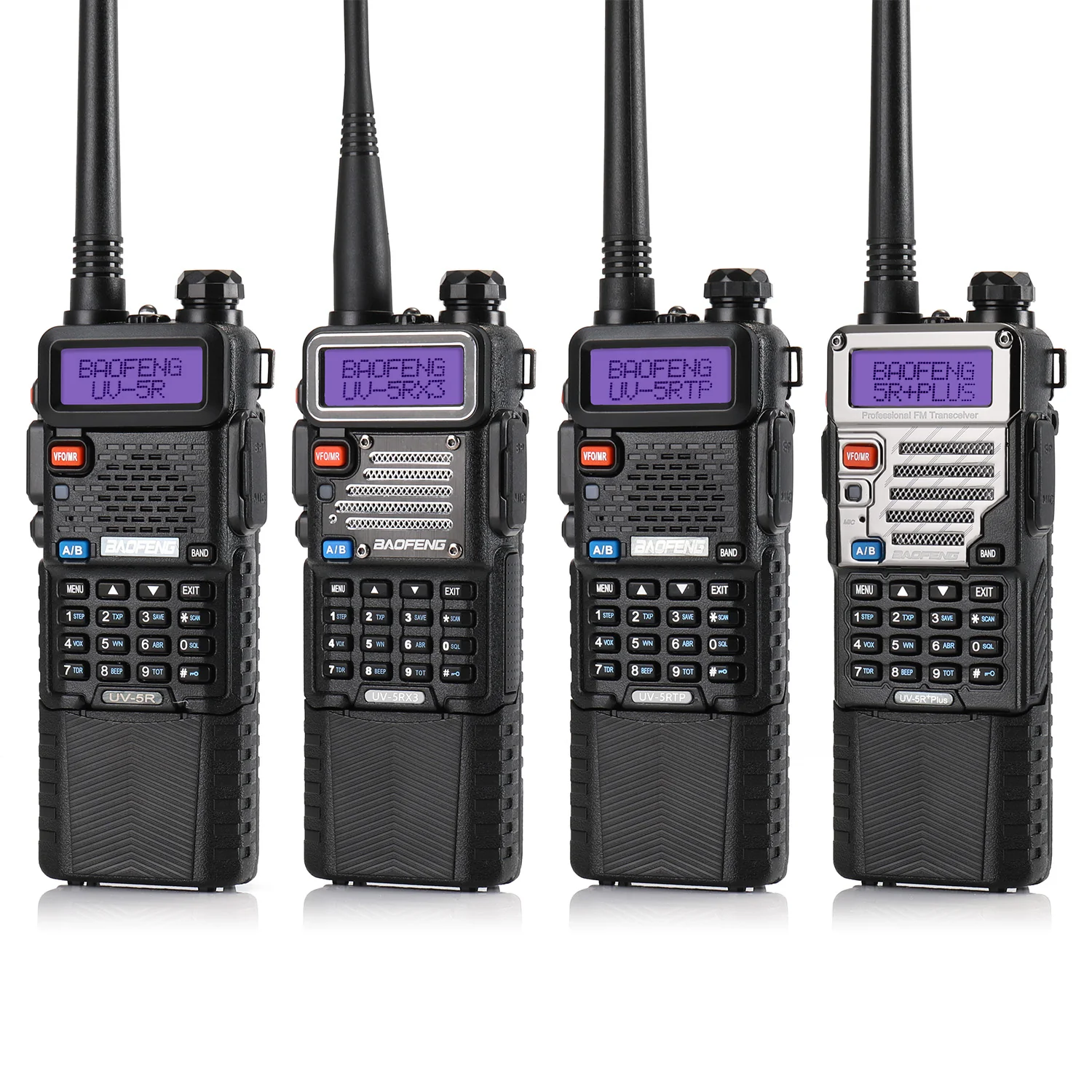
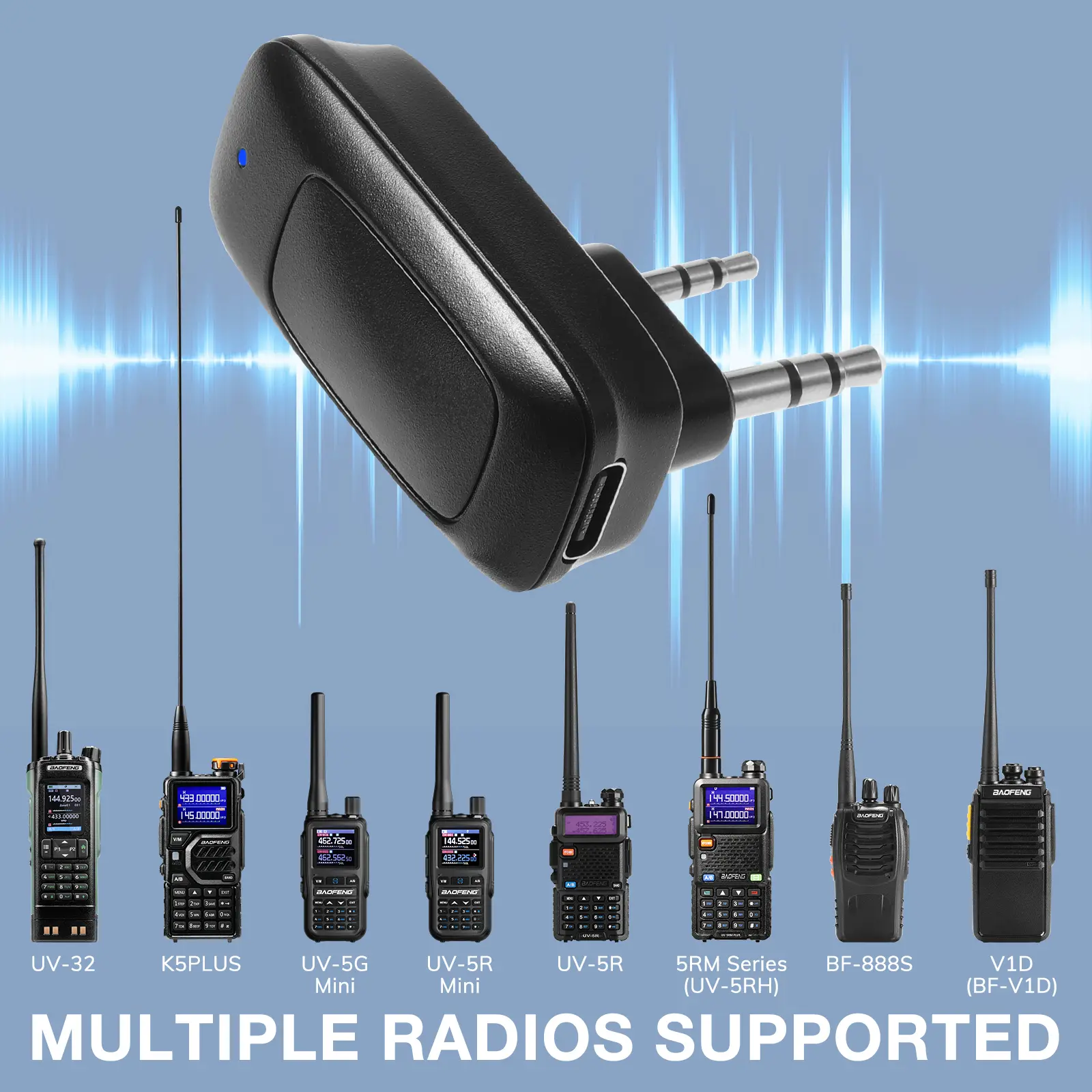
Compatible Models: UV-5RM / UV-5RM Plus / UV-5RM Pro / UV-5RH / 5RH Pro / UV-32 / UV-5R / UV-5RX / UV-5RH / UV-5R Mini / UV-5G Mini / K5 Plus / V1D / BF-888S
Wireless Connection: BT 4.0
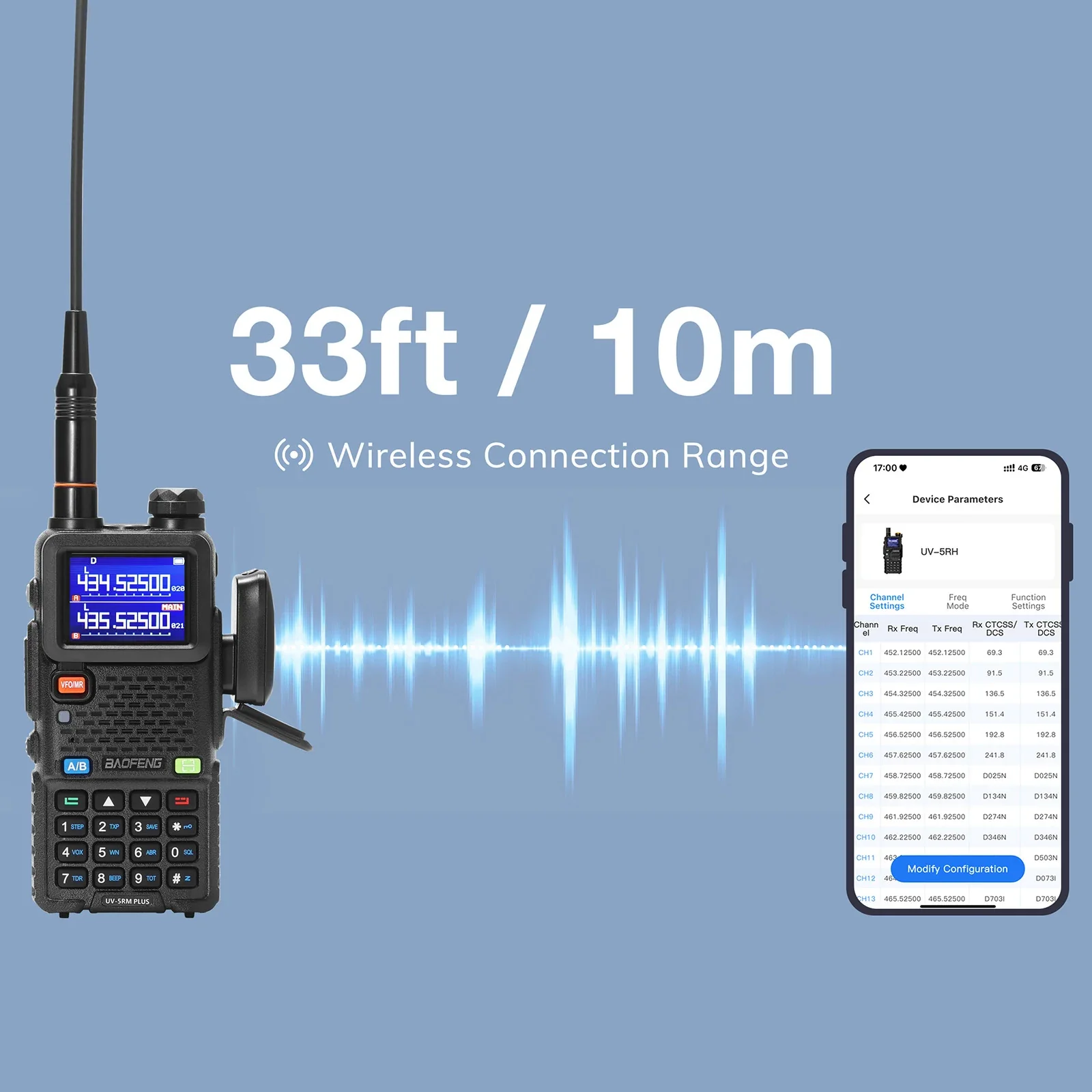
Bluetooth Range: Up to 10 meters (33 ft)
Supported App: Ola Radio App (iOS & Android)
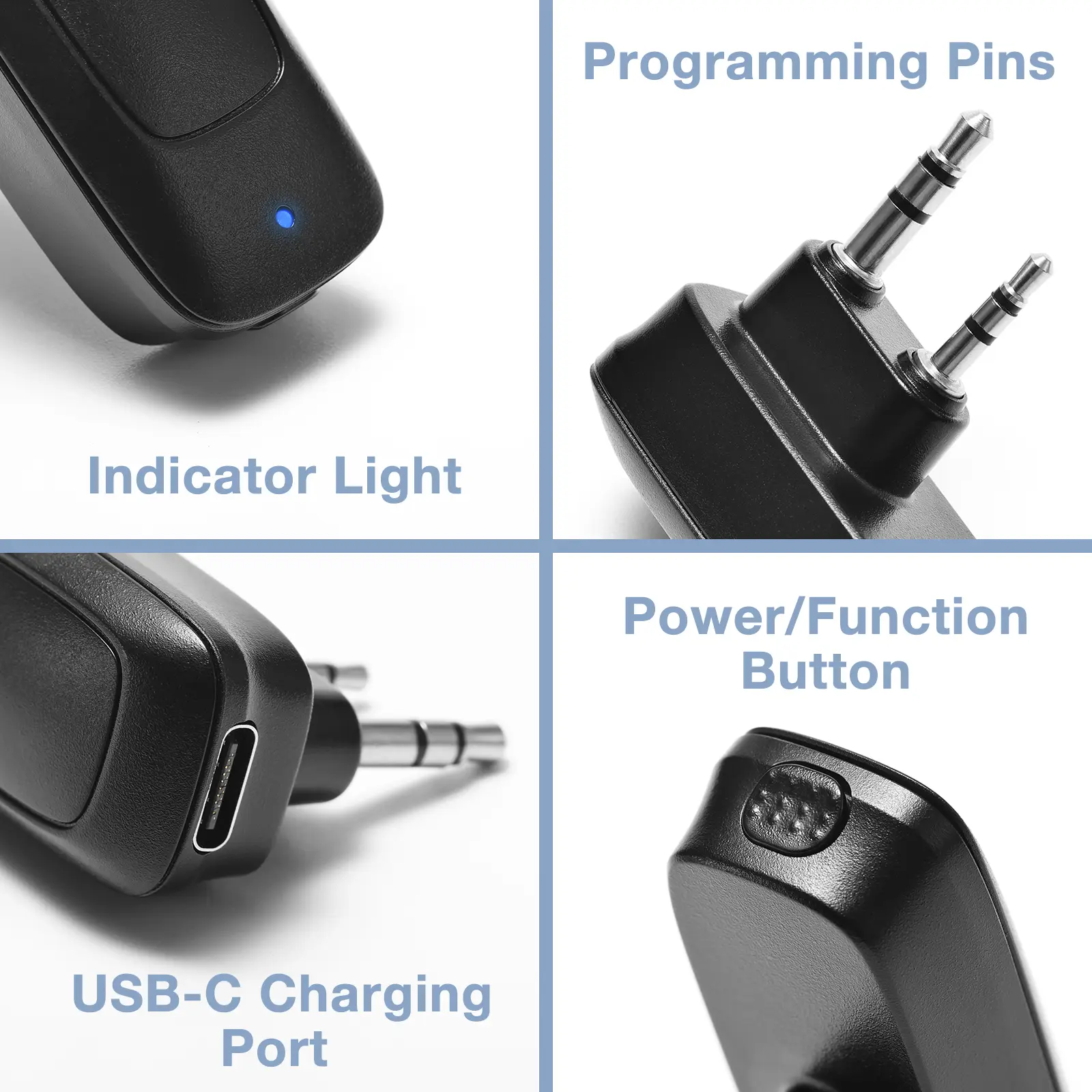
Power Interface: USB-C
Standby Time: Approx. 10 hour
Charging Time: Approx. 1 hour
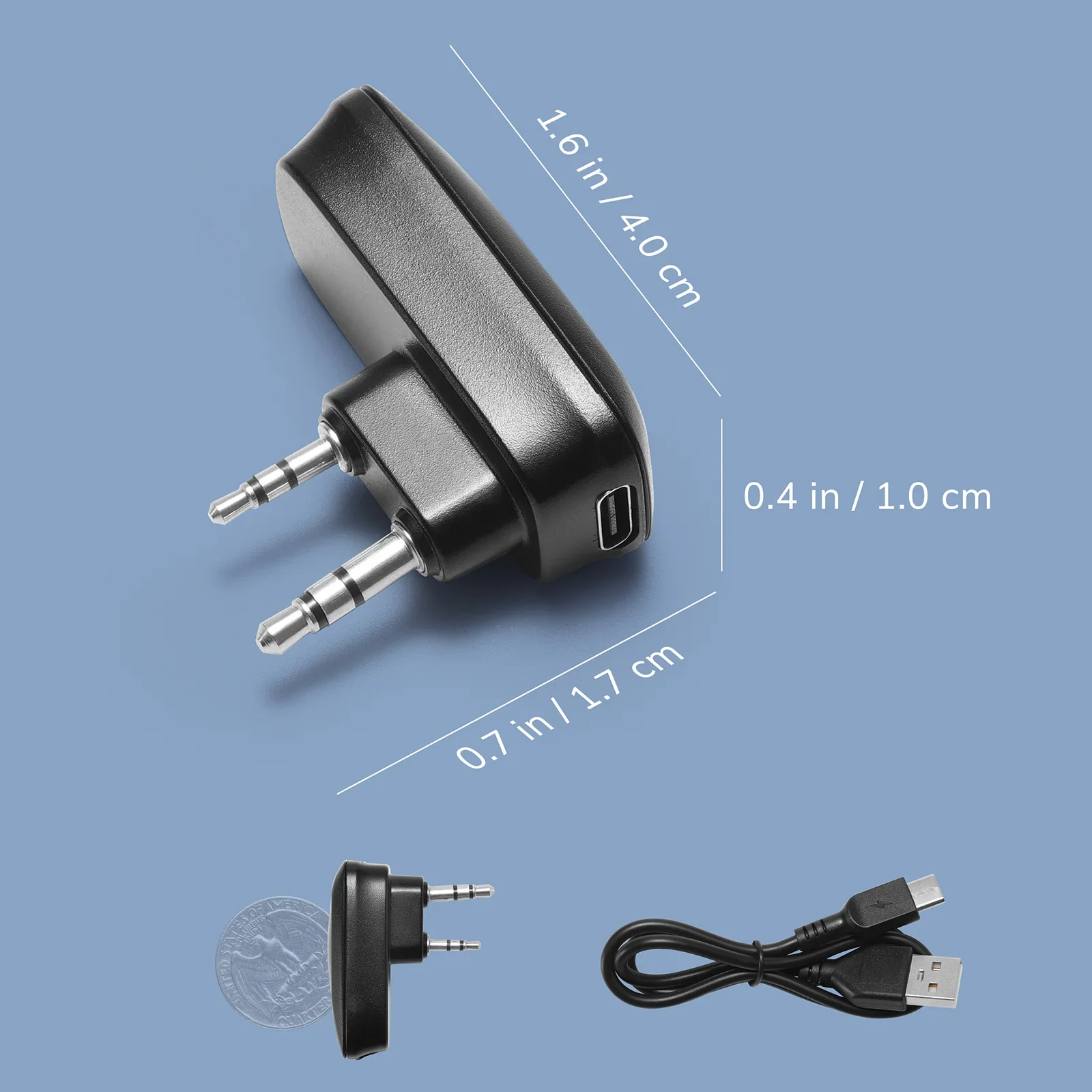
Dimensions: 0.7 * 0.4 * 1.6 in / 1.7 * 1.0 * 4.0 cm
Weight: 0.35 oz / 10 g
Operating Temperature: -4°F to 122°F (-20℃ to 50℃)
Storage Temperature: -40°F to 185°F (-40℃ to 85℃)
QA:
Q: How do I download the app?
A: Search “Ola Radio” in the Google Play Store or Apple App Store, or scan the QR code provided at the end of the user manual.
Q: How do I know the adapter is on and ready to pair?
A: Press the top button to power it on — the light flashes green briefly, then switches to blinking blue to show it's ready to pair. Once connected to the app, the indicator stays solid blue.
Q: Do I need a computer or programming cable?
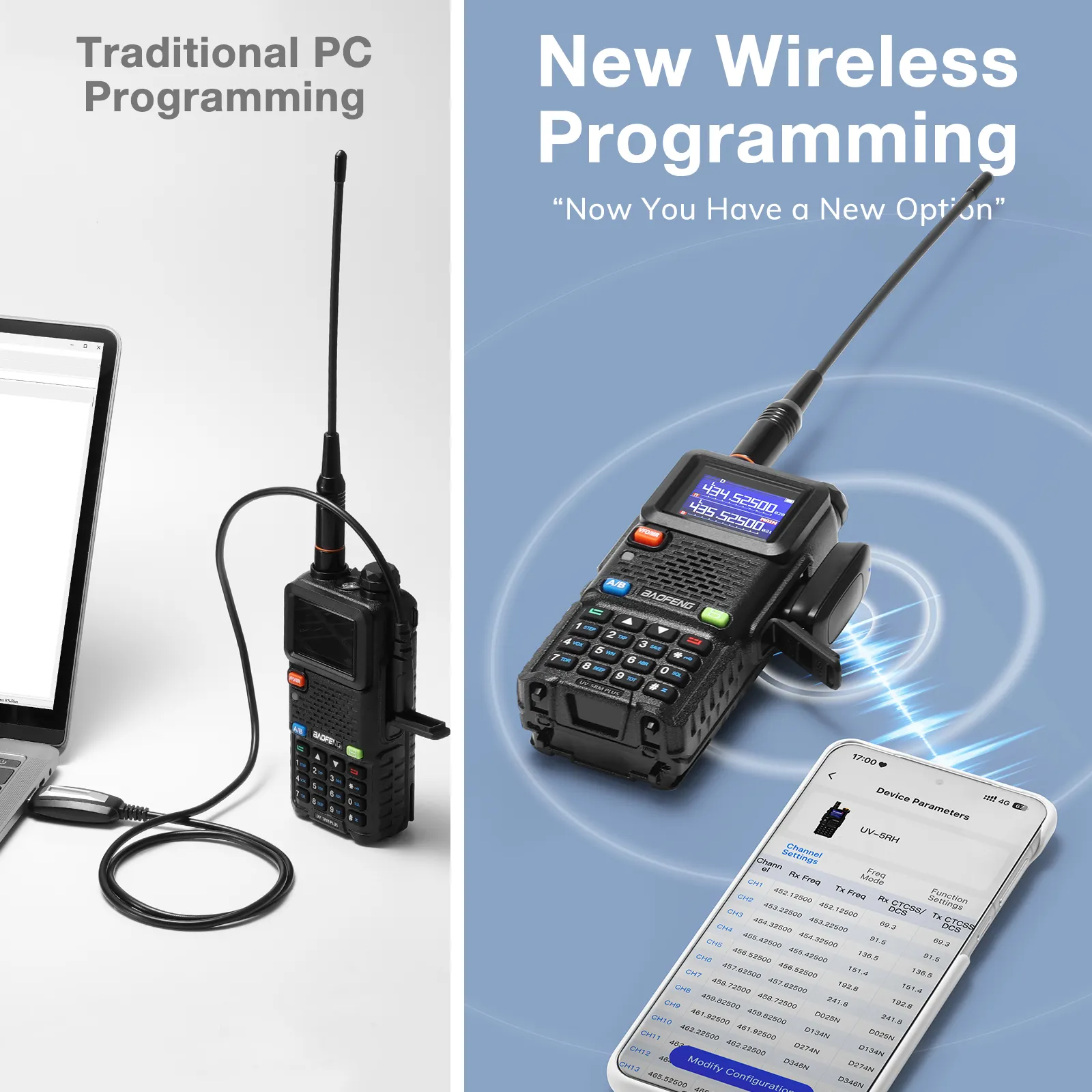
A: No. The BT-A1D supports fully wireless programming via the Ola Radio app—no cables, drivers, or PC required.
Q: Where can I download the digital user manual?
A: You can download it directly from our download area.
Q: What is the Bluetooth range?
A: The wireless range is up to 10 meters (33 ft), depending on the environment.
What’s in the box?
1 x BT-A1D
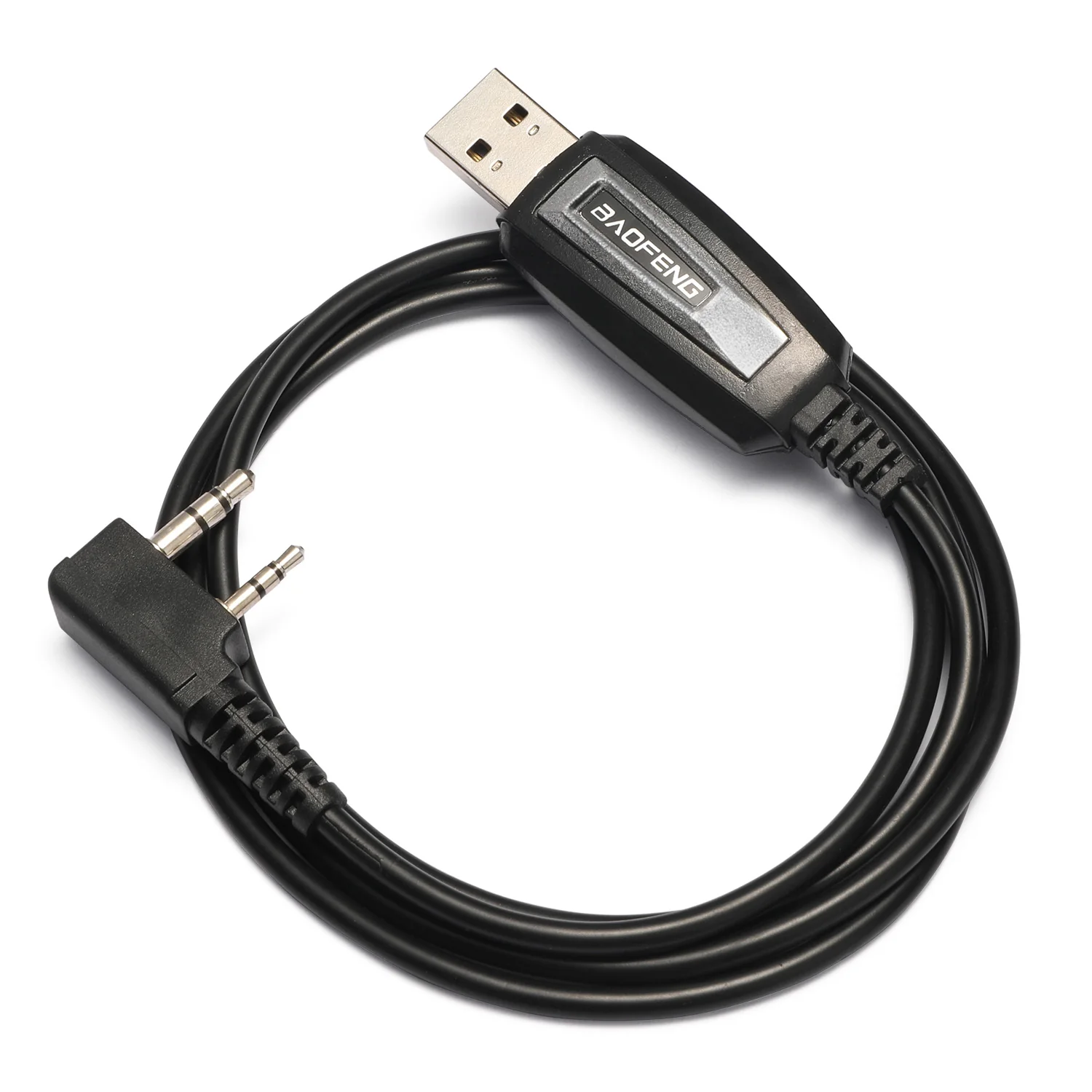
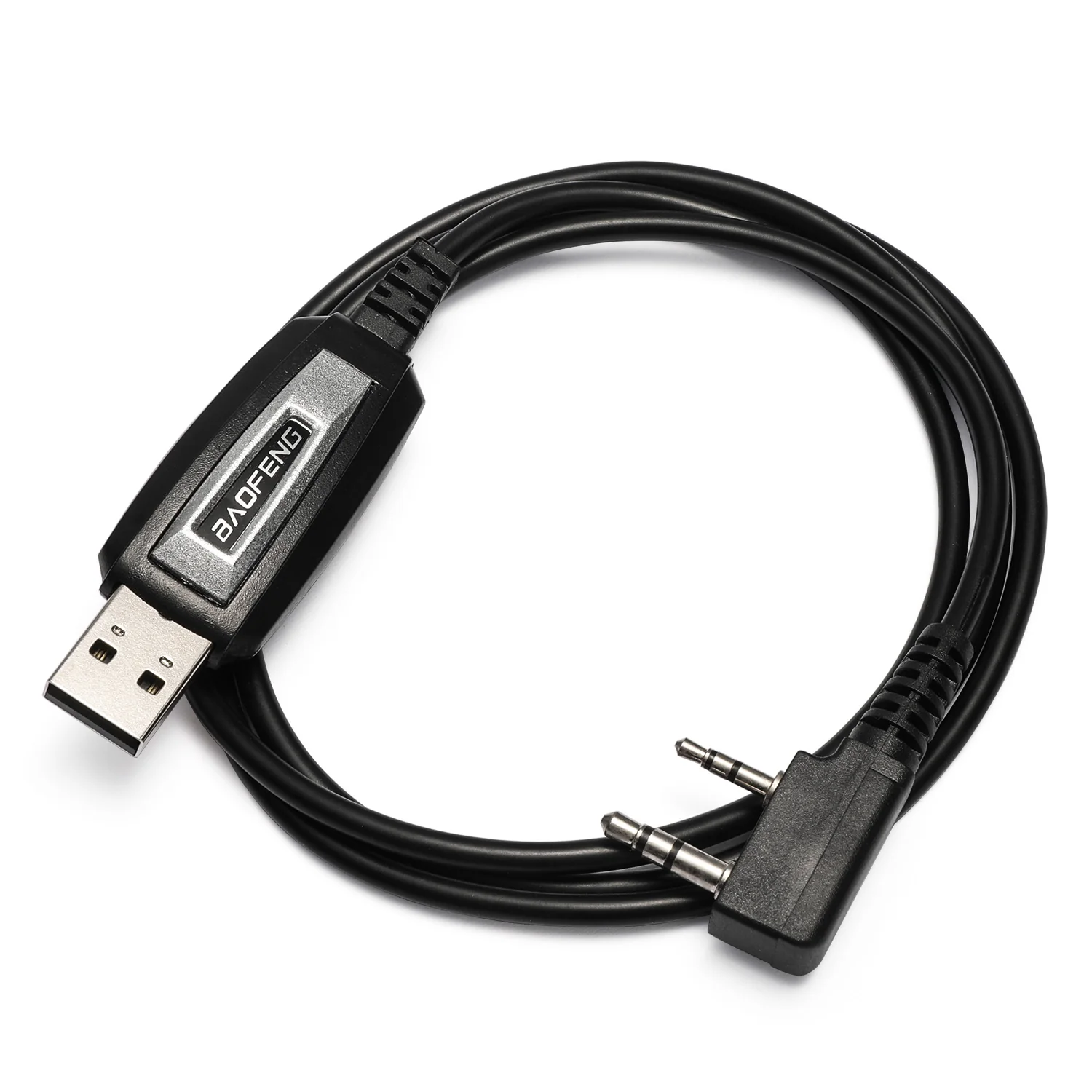
1 x USB-C Charging Cable
1 x User Manual
Original: $18.99
-65%$18.99
$6.65More Images
Baofeng BT-A1D Wireless Programming Adapter | BT APP Radio Programmer | UV-5R/UV-5RM PLUS/BF-888S/K5 Plus | Fast Channel Setup
Upgrade your Baofeng radios with the BT-A1D Bluetooth programming adapter—quickly configure channels, edit settings, and manage frequency lists wirelessly via the Ola Radio app on iOS or Android. Compact and portable, it connects directly to your radio with up to 10 meters of Bluetooth range and USB-C charging for true cable-free convenience.
Whether programming multiple radios, organizing channels for a hiking trip, or coordinating team activities, the BT-A1D makes radio setup effortless for both beginners and experienced operators. Adjust settings on the fly and keep your radios ready for outdoor adventures, ham radio clubs, emergency kits, and group events—without ever plugging in a cable.
Specifications:
Compatible Models: UV-5RM / UV-5RM Plus / UV-5RM Pro / UV-5RH / 5RH Pro / UV-32 / UV-5R / UV-5RX / UV-5RH / UV-5R Mini / UV-5G Mini / K5 Plus / V1D / BF-888S
Wireless Connection: BT 4.0
Bluetooth Range: Up to 10 meters (33 ft)
Supported App: Ola Radio App (iOS & Android)
Power Interface: USB-C
Standby Time: Approx. 10 hour
Charging Time: Approx. 1 hour
Dimensions: 0.7 * 0.4 * 1.6 in / 1.7 * 1.0 * 4.0 cm
Weight: 0.35 oz / 10 g
Operating Temperature: -4°F to 122°F (-20℃ to 50℃)
Storage Temperature: -40°F to 185°F (-40℃ to 85℃)
QA:
Q: How do I download the app?
A: Search “Ola Radio” in the Google Play Store or Apple App Store, or scan the QR code provided at the end of the user manual.
Q: How do I know the adapter is on and ready to pair?
A: Press the top button to power it on — the light flashes green briefly, then switches to blinking blue to show it's ready to pair. Once connected to the app, the indicator stays solid blue.
Q: Do I need a computer or programming cable?
A: No. The BT-A1D supports fully wireless programming via the Ola Radio app—no cables, drivers, or PC required.
Q: Where can I download the digital user manual?
A: You can download it directly from our download area.
Q: What is the Bluetooth range?
A: The wireless range is up to 10 meters (33 ft), depending on the environment.
What’s in the box?
1 x BT-A1D
1 x USB-C Charging Cable
1 x User Manual
Product Information
Product Information
Shipping & Returns
Shipping & Returns
Description
Upgrade your Baofeng radios with the BT-A1D Bluetooth programming adapter—quickly configure channels, edit settings, and manage frequency lists wirelessly via the Ola Radio app on iOS or Android. Compact and portable, it connects directly to your radio with up to 10 meters of Bluetooth range and USB-C charging for true cable-free convenience.
Whether programming multiple radios, organizing channels for a hiking trip, or coordinating team activities, the BT-A1D makes radio setup effortless for both beginners and experienced operators. Adjust settings on the fly and keep your radios ready for outdoor adventures, ham radio clubs, emergency kits, and group events—without ever plugging in a cable.
Specifications:
Compatible Models: UV-5RM / UV-5RM Plus / UV-5RM Pro / UV-5RH / 5RH Pro / UV-32 / UV-5R / UV-5RX / UV-5RH / UV-5R Mini / UV-5G Mini / K5 Plus / V1D / BF-888S
Wireless Connection: BT 4.0
Bluetooth Range: Up to 10 meters (33 ft)
Supported App: Ola Radio App (iOS & Android)
Power Interface: USB-C
Standby Time: Approx. 10 hour
Charging Time: Approx. 1 hour
Dimensions: 0.7 * 0.4 * 1.6 in / 1.7 * 1.0 * 4.0 cm
Weight: 0.35 oz / 10 g
Operating Temperature: -4°F to 122°F (-20℃ to 50℃)
Storage Temperature: -40°F to 185°F (-40℃ to 85℃)
QA:
Q: How do I download the app?
A: Search “Ola Radio” in the Google Play Store or Apple App Store, or scan the QR code provided at the end of the user manual.
Q: How do I know the adapter is on and ready to pair?
A: Press the top button to power it on — the light flashes green briefly, then switches to blinking blue to show it's ready to pair. Once connected to the app, the indicator stays solid blue.
Q: Do I need a computer or programming cable?
A: No. The BT-A1D supports fully wireless programming via the Ola Radio app—no cables, drivers, or PC required.
Q: Where can I download the digital user manual?
A: You can download it directly from our download area.
Q: What is the Bluetooth range?
A: The wireless range is up to 10 meters (33 ft), depending on the environment.
What’s in the box?
1 x BT-A1D
1 x USB-C Charging Cable
1 x User Manual